
How Small Businesses Can Turn Phone Footage into Clearer Product Demos
Film a twist-lock lid so shoppers can see how it works, even with the sound off
 IN
Mon, Nov 23, 2026 | 05:22 PM IST


A small business owner decides to film a video of a new travel flask to show how its twist-lock lid works to attract potential customers. He places the product on the counter, takes out his smartphone and begins filming. A few close-ups and a brief demonstration are all customers need.
This is where many small-business product videos fail. Product features may be hard for viewers to see because of poor lighting, poor video quality, or fast video speed. You do not need to spend a lot of money on equipment to get quality product videos. With a few tips and some basic editing, you can really improve your videos.
Consider what your potential customer will learn from watching your video. When demonstrating a product, be specific. Think about which features of the product you want to highlight and structure your videos accordingly. This will make your video much easier to follow, and you will not have to add extra shots later on. If you are showing how a product works, such as a twist lid, make sure to include the whole motion in the video from start to end. Splitting the video into several shots may make it easier to film and easier for viewers to understand.
Begin by showing the product in its initial state. Include key features of the product so the viewer has a clear idea of what they are looking at, such as labelled buttons, switches or movement.
Clearly capture the movement
Film the movement carefully so that your subject is clearly visible. Ensure the filming speed is steady, and do not change the angle during filming. People should be able to understand the process clearly with a single viewing.
Leave the camera running for a few seconds after you have finished. This gives the viewer an overview of what happened, helps them understand the feature's functionality, and shows what has changed.
Prop the phone at a slight angle above the counter so the lid, the lock mark and your hand stay in frame throughout the turn. On the phone preview, check that the join between the lid and flask is visible.
Be mindful of how you hold the lid. Do not put your thumb over the logo. If the lid moves while a finger is covering it, it may be unclear to viewers what is happening. If the mark on the lid is hard to see due to a reflection, you may need to move the phone or flask slightly. Before completing your video, check it with the sound off. If the turn is hard to follow without sound, move the phone so the lock mark and your hand are both visible.
Find the original video in your phone gallery. Try to avoid sharing this video many times or downloading compressed versions. This may cause the fine detail in the video to be lost. Compare the original with an enhanced version of the video, pausing both clips at the same point.
However, clarity may sometimes be reduced in a video due to recording issues. If you cannot see the detail clearly, even when enhancing the image, for example, if your thumb is covering the mark, you cannot improve it. If there is something on the surface that makes it hard to see the marking, change the lighting and retake the shot. Although editing can improve video quality, it cannot add detail that was not in the original.
The video may show the entire process, but some smaller details can still be hard to see. You may have focused on the right spot, but the little lock marking can still be blurred when you play the video back. This may be due to poor source quality or video compression. That’s where Vmake Labs may help. The AI video enhancer in Vmake Labs can reduce noise and sharpen lightly softened detail.
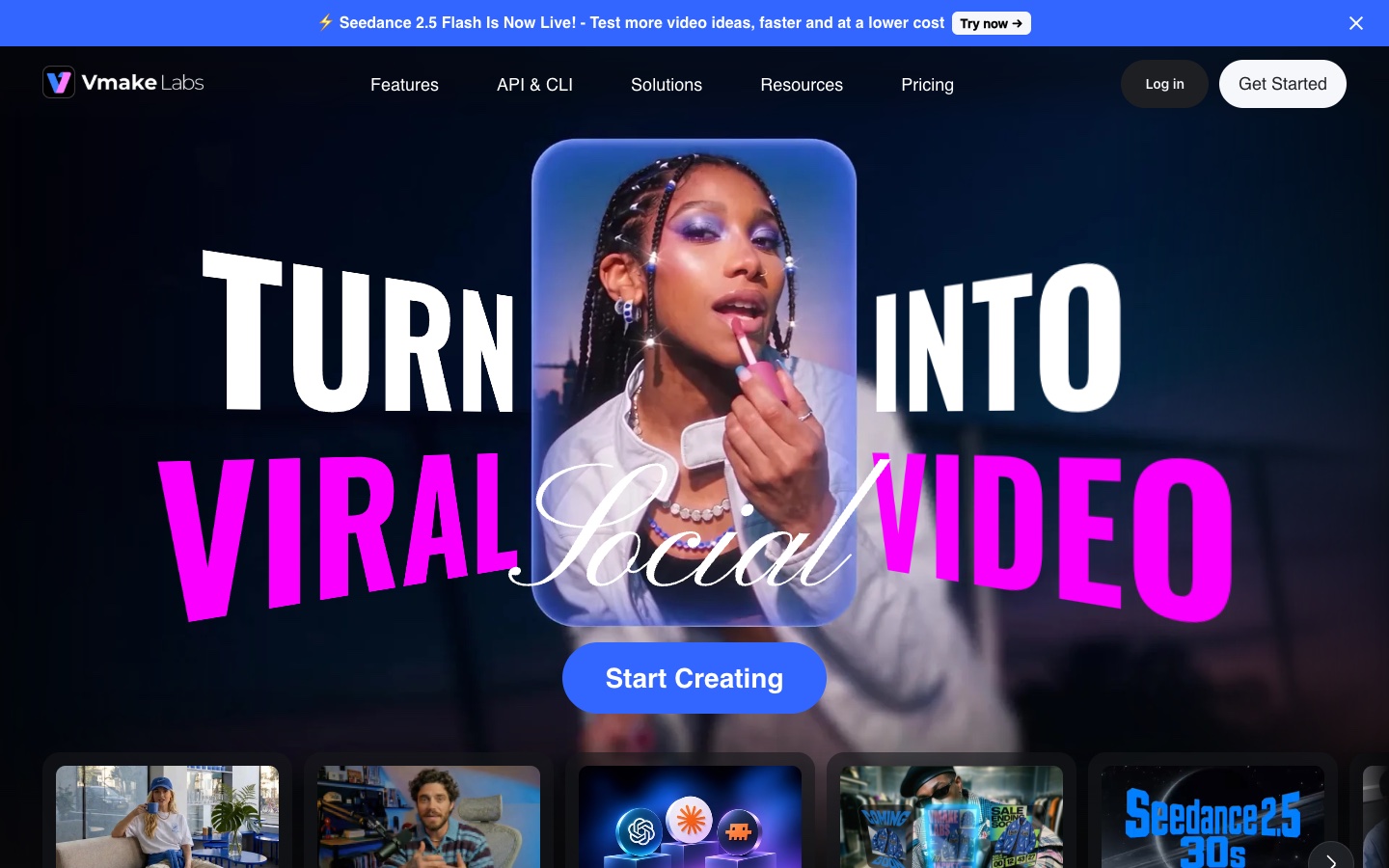
The Vmake Labs homepage, where you can find its editing tools.
There are different enhancement models, including a Product model that enhances small surface details, such as label text. Drop single video files, or use the batch upload feature to process several videos at once. You can upload MP4, MOV, and M4V file formats, and can upload videos using a URL. After processing, compare the enhanced video with the original video. Ensure you play the two videos at the same display resolution and at the same point in the lid's rotation.
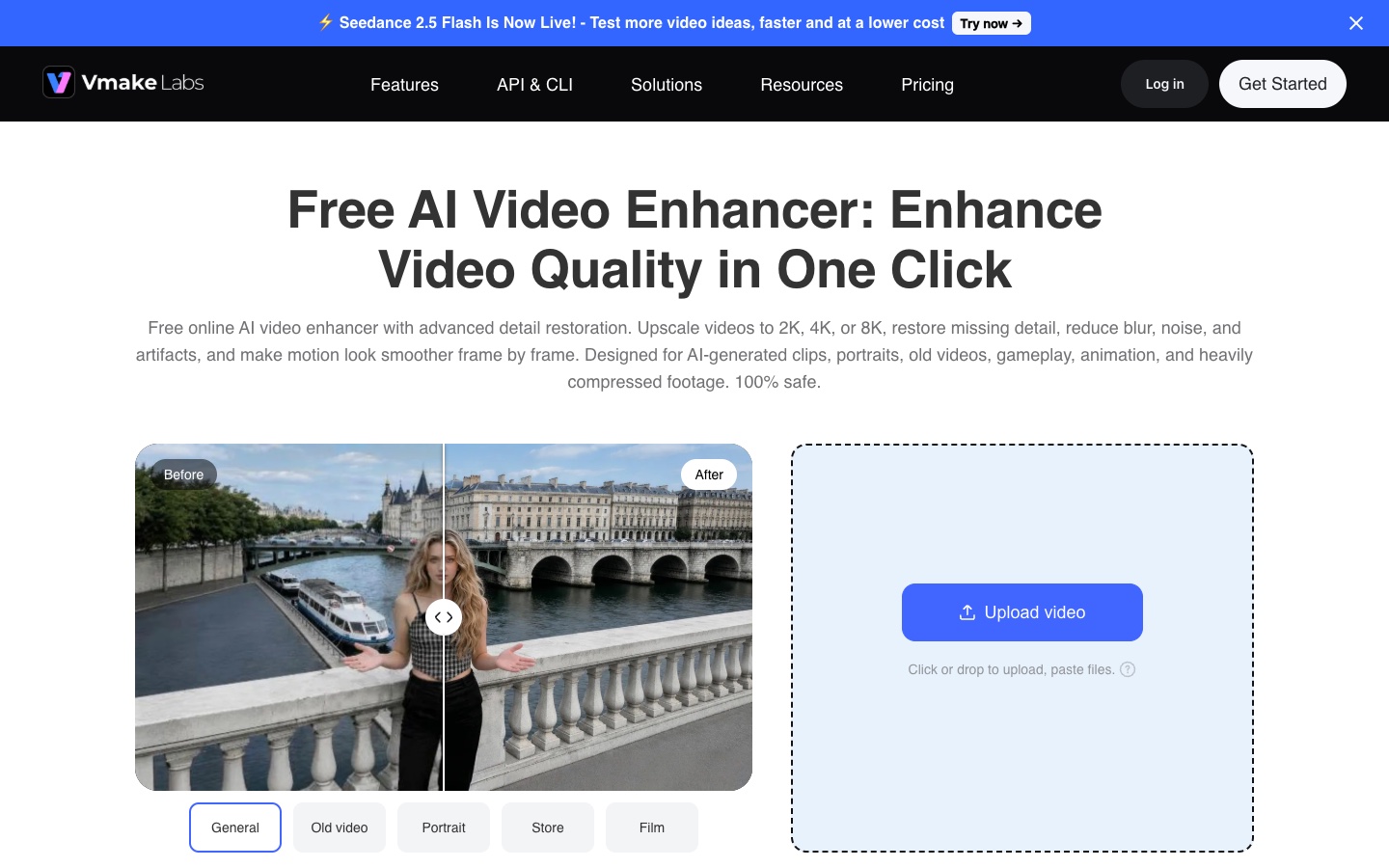
The Vmake Labs Video Enhancer page. The preview shows an official sample.
Check whether the lock mark is easier to read. Keep the original if the mark looks less accurate after enhancement. Look at the movement of the fingers and the lid edges. Check that there is no distortion and no flickering between frames.
You have observed and edited the footage, and you know how the locking mechanism works. That's not the case for a person viewing it for the first time.
Share the completed video with someone who has not used the travel flask. Tell them to watch the video and then ask them to demonstrate how they would lock it. Notice where they are having difficulties. The position or movement of the lid opening may need to be demonstrated more clearly if they turn the lid the wrong way. If they know how to turn it but don't know when the lid is closed, give the final close-up more attention.
A product demonstration could be displayed on a marketplace listing, a mobile screen or a social media feed. People watching it may not hear its narration.
Before uploading the travel flask video, check the following:
Everything you need to know
No FAQs available for this blog.
Nov 20, 2026
TUI Staff
Nov 20, 2026
TUI Staff
Nov 23, 2026
TUI Staff
Nov 23, 2026
TUI Staff
Nov 21, 2026
TUI Staff
Nov 21, 2026
TUI Staff

Stay informed with independent, fact-checked journalism on technology, environment, government, economy and more. Independent and editorially reviewed since 2021.








Comments (0)
Be the first to comment!